Customer Merchant Panel

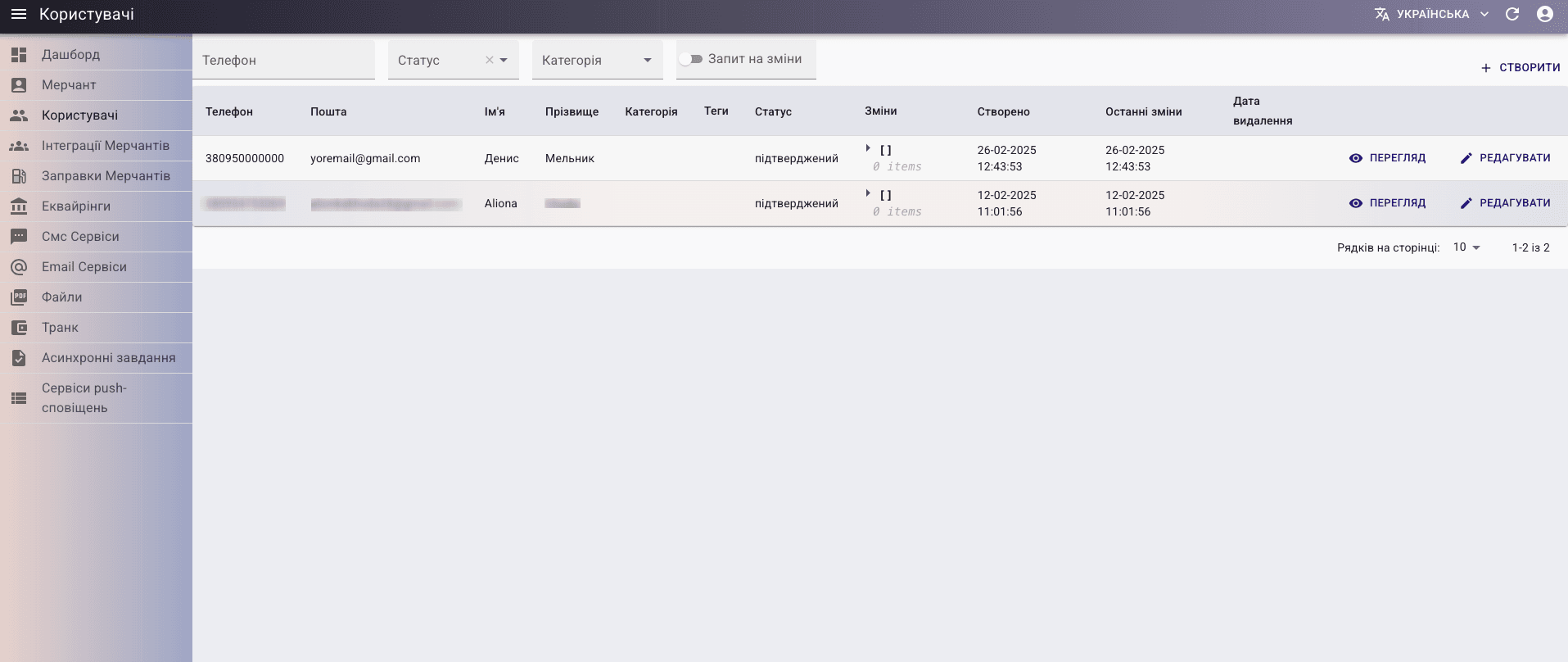
Thanks to the merchant panel, the customer can change user data, control and update information, and provide confirmation for profile data changes. The customer has the right to create users, but only individuals.

User table :
Project Description

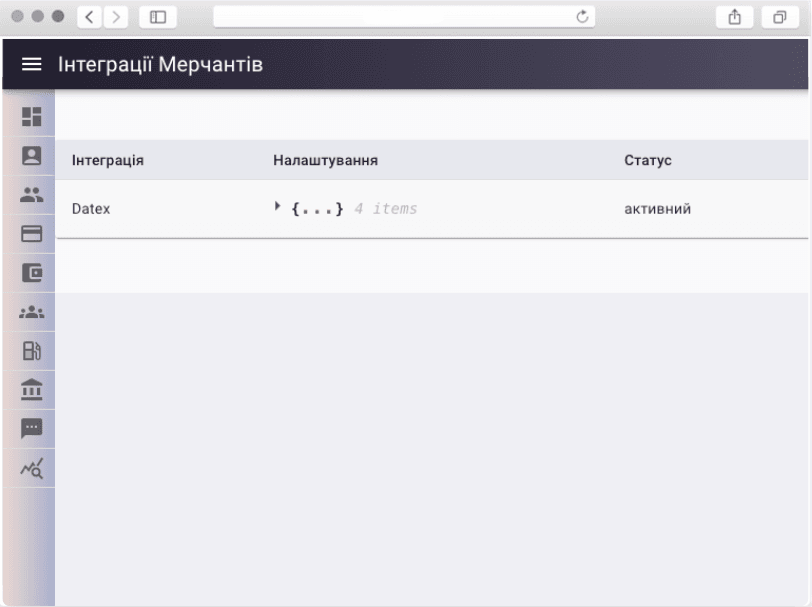
Integrations

Using the integrations table, you can set up a connection to the Datex service to ensure data exchange between systems.

Integration

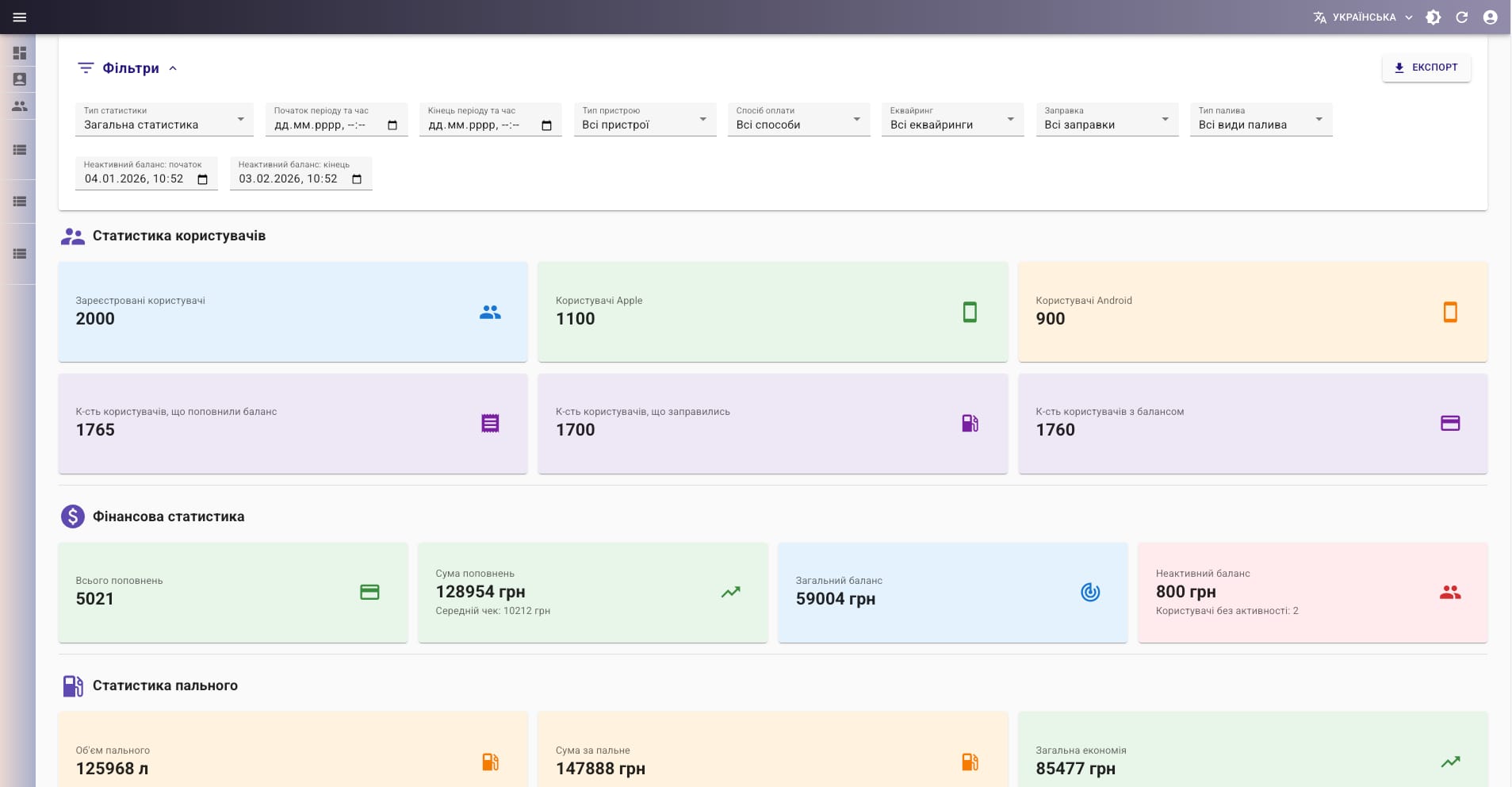
Dashboard

On this page the merchant can view key metrics at a glance: total number of users (with a breakdown by platform β€” iOS and Android), users who topped up their account, who refueled, and who have an active balance. All data is presented in a clear, easy-to-read format.

Dashboard

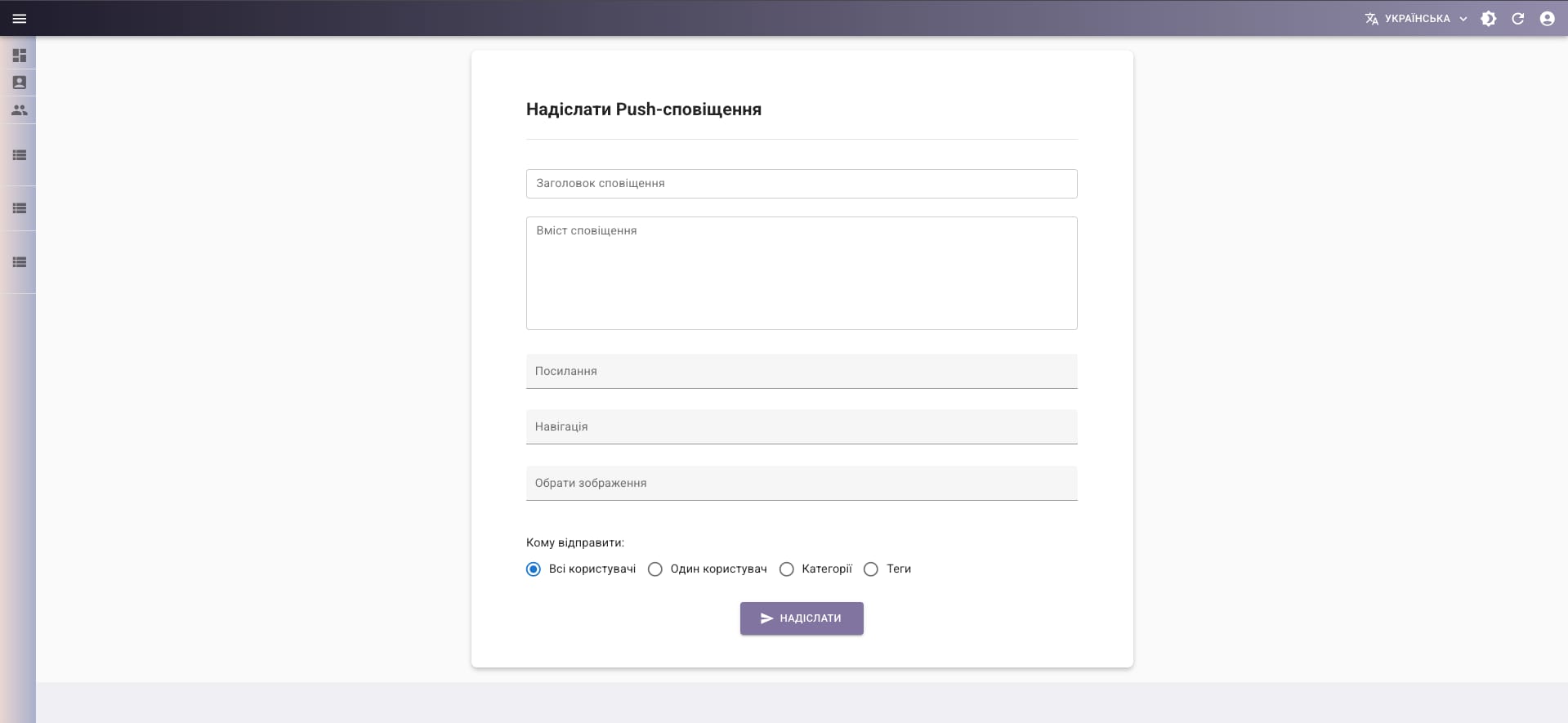
Push Notifications

From this section, the merchant can send push notifications to the audience: to all users at once, to a specific user, to a user category, or to users with a selected tag. This enables targeted communication and timely updates.

Push Notifications

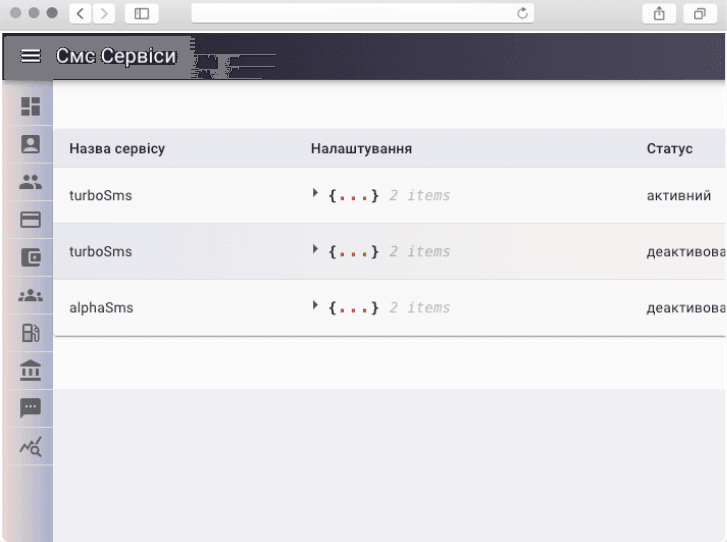
SMS Services

Using SMS messaging services, the customer can connect a service for automatically sending SMS notifications when an account is created or a password is changed in the mobile application.

SMS Services

QR Cards

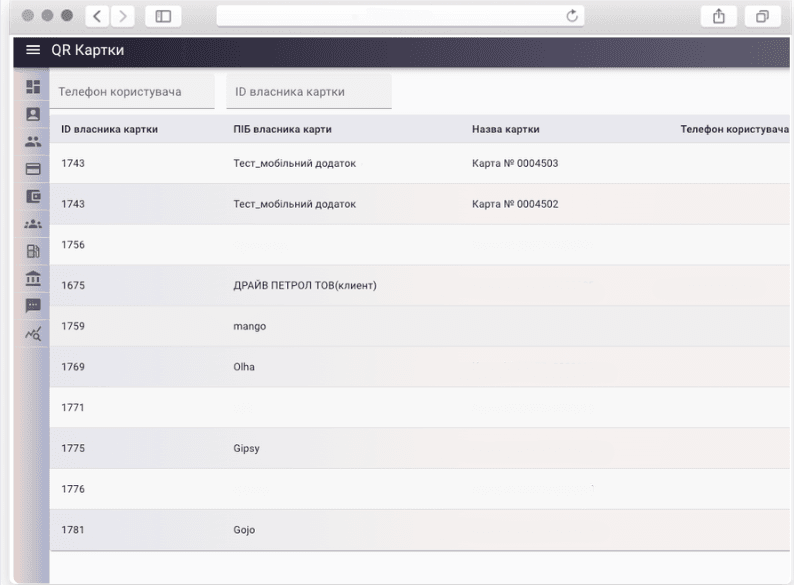
In the QR card table of the merchant panel, the customer can create a card for a user, linking it to the account of the chosen legal entity to receive discounts offered by the company to its drivers.

QR Cards